
AI video generator · real footage with sound
Any idea.
Any kind of video.
StorySpark AI is an AI video generator for mini-movies, comedy skits, history, fantasy worlds, food stories and promos. Type one sentence — it plans the shots, writes the dialogue and generates real footage with sound. No camera, no editing.
Free plan includes 3 credits a month. No card needed.
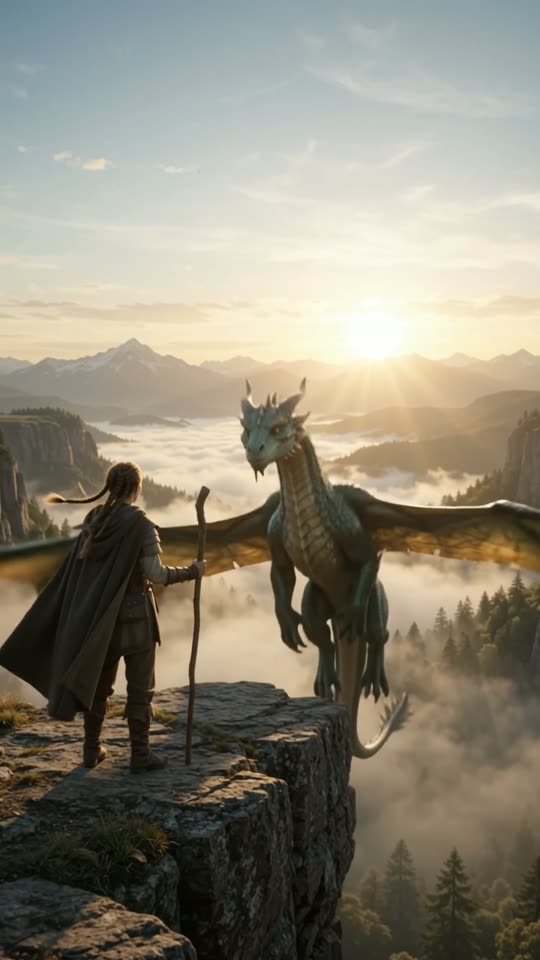
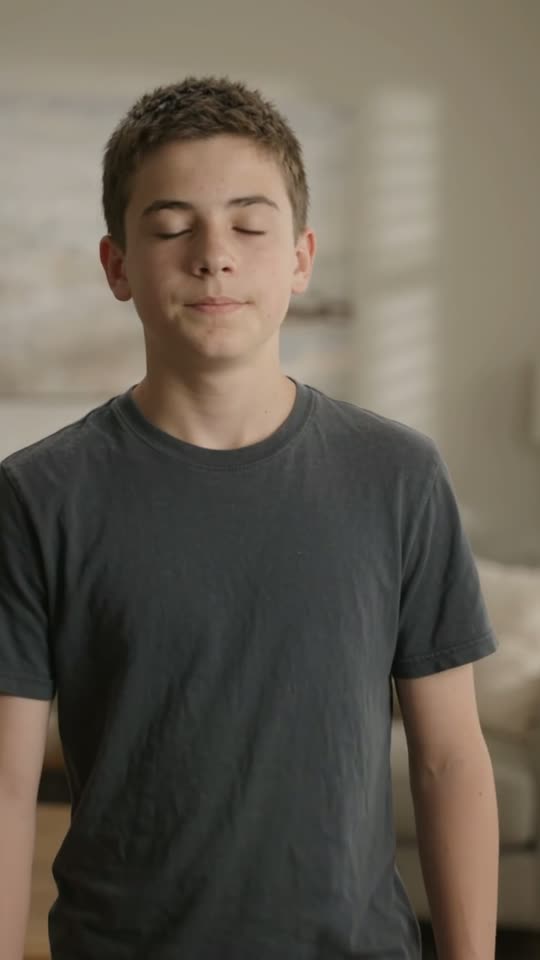
Made with StorySpark
One app. Every kind of video.
Real clips straight from the generator — pick a style to see what it can do.
How it works
Three steps from idea to video
- 01
Describe your idea
One line is enough: “What a 1980 New York taxi driver ate for breakfast.” Or tap Improve my idea.
- 02
Add photos & tweak (optional)
Upload reference photos of a person, food, place or outfit. Pick a mode, format, clip length, dialogue and sound.
- 03
Generate & share
Review the shot list, then generate. Preview in the studio and export a finished video to post anywhere.
What you get
A whole video team, in one text box
Skip filming, voice recording and editing. Spend your time on ideas.
Real moving footage
Each shot is generated as true AI video — not slideshows of stills — with its own natural sound.
Automatic shot planning
The AI turns your idea into a shot list you can review and edit before anything is generated.
AI Auto-Dialogue
Characters speak with their own voice, emotion and delivery. Or write your own script — or keep it silent.
Narration voices
AI story mode writes a hooked script and narrates it in one of six voices, with captions and music.
Photo references
Show the AI the face, dish, place or outfit you want, and it's carried into your video.
Five video modes
Realistic, Documentary, AI story, Custom and Food — each tuned for how that content should look and sound.
Any format
Vertical 9:16, square 1:1 or landscape 16:9 for every platform.
Visual styles
Realistic, cinematic, 3D animation, cartoon, anime, noir, retro and dreamy looks.
Built for creators
Post more, without filming more
Keep a series going every day — the AI handles the footage, you handle the ideas.
Storytellers & filmmakers
Mini-movies, drama, horror and plot twists — cinematic shots with real sound.
Comedy creators
Skits with characters who actually talk, react and land the punchline.
History & education
Documentary-style scenes of eras, events and jobs — a new episode from one sentence.
Fantasy & sci-fi worlds
Dragons, distant planets and impossible scenes, no VFX budget needed.
Food channels
Food-history series and satisfying food moments with real sizzle and crunch.
Small businesses & creators
Quick promos for a shop, product or channel — vertical, square or wide.
Pricing
Start free. Upgrade when you're posting daily.
Monthly billing in USD. Cancel anytime.
Free
$0 /month
3 credits / month
- Vertical 9:16 videos
- “Made with StorySpark AI” end card
- Buy extra credits anytime
Pro
$19.99 /month
30 credits / month
- All formats: 9:16, 1:1, 16:9
- End card optional
- Buy extra credits anytime
FAQ
Questions, answered
Are these real videos or animated pictures?
Real AI-generated video. Each shot is produced by a video model with motion and its own sound. AI story mode can also animate still scenes under a narrated script.
Do I need to film, record or edit anything?
No. You describe the idea; the app plans the shots, writes any dialogue and generates the footage. You can review and edit the shot list first.
Can I put a specific person, dish or place in my video?
Yes. Add photo references and tag what each one shows — main character, food, location, outfit or object.
How long can a video be?
Each AI clip is 3–10 seconds. Videos with several scenes join multiple clips together.
Which formats can I export?
Vertical 9:16, square 1:1 and landscape 16:9.
What is a credit?
Credits are used when you generate videos. The free plan includes 3 credits each month; paid plans include more.
Do I keep my videos?
Yes — everything you make is saved in My Videos, where you can reopen, re-export or delete it.
What will your first video be?
Sign up free, type an idea, and watch it come to life.
Create your first video